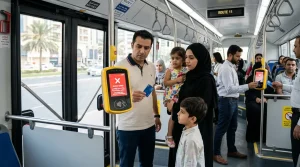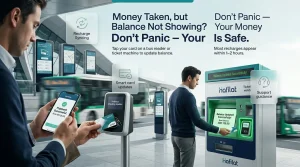
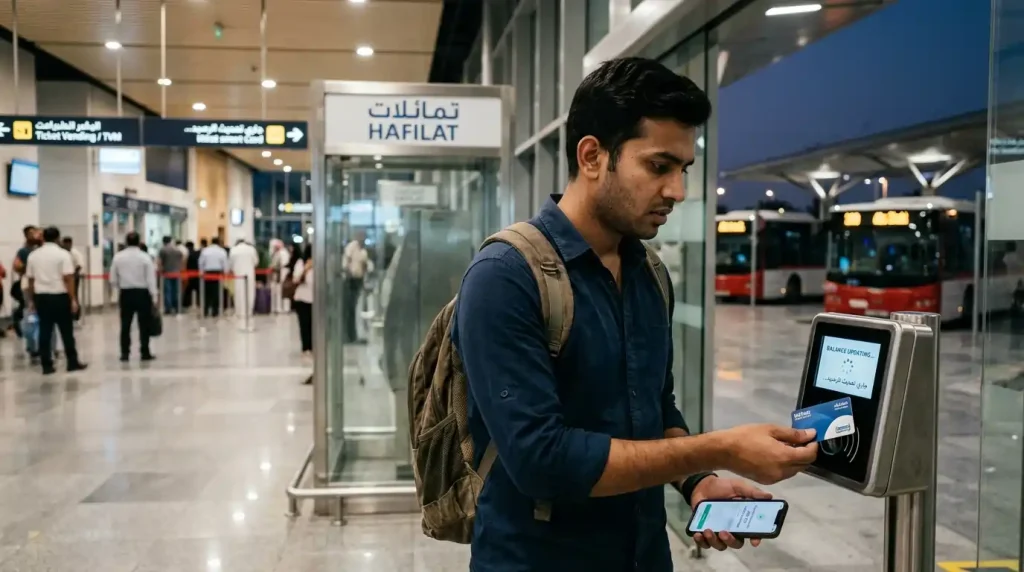
Do not panic. The money is not lost. Online recharges take 1 to 2 hours to show up if you know how to do the recharge correctly. Tap the card on any bus reader or ticket vending machine. The balance updates right away. If nothing changes after 48 hours, follow the steps in this guide.
This guide walks through exactly why this happens, how to fix it in seconds, and what to do if the money never appears on the card.
What Is Happening
A passenger goes online to add credit to their Hafilat card. They type in the 16-digit number from the back of the card. They choose an amount. They pay with a credit card or debit card.
The bank says the transaction went through. An email receipt arrives. But hours later, the card balance still shows the old amount. The new money is not there.
This happens to many people. Reddit has lots of posts about it.
One person wrote:
“Recharged my card online. The money came out of my bank account. Got an email confirmation. Checked my balance the next day. Still showed the old amount. I thought I lost my money.“
Another person said:
“I recharged twice. Once online. Once at a supermarket kiosk. The balance did not change. The app said ‘pending top-up.’ I was very stressed.“
The good news is that the money is rarely gone. It is just waiting. The card needs to sync with a physical reader.
Why Online Recharges Take Time
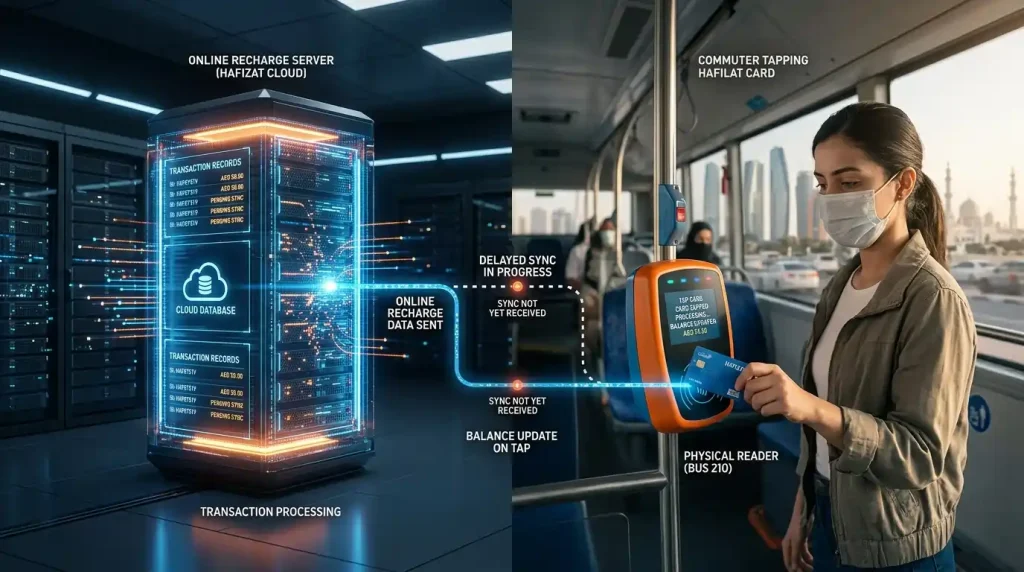
The Hafilat system does not work like a bank transfer. When a passenger recharges online, the money goes to a central computer. But the card itself does not know about the new balance until it talks to a machine on a bus or at a station.
Think of it this way. The online portal is like a bank. It records the transaction. The bus reader is like an ATM. The card needs to visit an ATM to get the money.
Until the card gets tapped on a reader, the new balance is just sitting on the central computer. It has not been written on the card yet.
Three reasons for the delay:
First, security. The system does not allow instant remote updates to physical cards. This prevents fraud.
Second, fraud prevention. A physical tap proves the card is still being used by the right person.
Third, batch processing. Thousands of cards need to sync. The system processes them in groups.
Online recharges usually take 1 to 2 hours. Sometimes longer on weekends or busy days.
The Simple Fix That Works Almost Every Time
The passenger does not need to wait hours. There is a simple trick that forces the card to update immediately.
Here is what to do.
Step one
Take the Hafilat card.
Step two
Find a ticket vending machine at a bus station. Or wait for the next bus to arrive.
Step three
Tap the card on the reader.
Step four
Listen for the beep.
Step five
Look at the screen. The balance should now show the new amount. If tapping on a reader does not update your balance, you might see a red light next time you board. You know the reasons for this red light by reading our “Red light on the Bus reader? Why Your Hafilat card is being rejected” blog post.
That is it. The whole process takes about five seconds.
Why this works. The physical tap forces the card and the central computer to talk to each other. The reader pulls the latest balance from the system and writes it to the card. No waiting. No phone calls. No stress.
A Reddit user shared this fix.
“Someone told me to just tap my card on any machine. I went to a TVM at the bus station. I tapped my card. The balance updated instantly. All that worry for nothing.”
Another person confirmed.
“Recharged online. Money taken. Balance did not change. I tapped the card on the bus reader the next morning. Beep. Balance updated. Problem solved in one second.”
What to Do If Tapping Does Not Work
Sometimes tapping on a reader does not fix the problem. Here is what to do step by step.
Step one: Wait two hours
Online recharges can take time. Do not panic after ten minutes. Give the system two hours to process.
Step two: Check the transaction status
Log in to the Darb app or the online portal. Look for the transaction in the history.
| What the Screen Shows | What It Means |
| Completed | The money has been sent. The card needs a physical tap. |
| Pending | Still processing. Wait another two hours. |
| Failed | The transaction did not go through. The money will return to the bank in three to five days. |
Step three: Tap the card on different readers
Try a different TVM. Try a different bus. Tap the card on three different readers. Sometimes one reader is not working properly.
Step four: Check the card number
Make sure the correct card number was entered during the recharge. One wrong digit means the money went to a different card.
The card number is the 16-digit number printed on the back of the physical card. Do not use a number from an old email or a note. Look at the actual card every time.
Step five: Call customer service
If 48 hours have passed and the balance still does not show, call 800 850.
Have this information ready before calling.
- The 16-digit card number
- The date and time of the recharge
- The amount that was recharged
- The transaction ID from the email receipt
- A screenshot of the bank statement showing the money was taken
The customer service agent can look up the transaction and see if it is stuck in the system.
What If the Transaction Failed Completely
Sometimes the online recharge fails. The bank shows a deduction, but the transaction is later reversed.
How to know if a transaction failed
- The Darb app or online portal shows “Failed” status.
- No confirmation email was received.
- The card balance does not change even after tapping on a reader for two days.
What happens to the money?
The bank puts a hold on the amount. This is called a pending transaction. The money is not actually taken. It is just reserved.
If the transaction fails, the hold is released. The money goes back to the available balance. This takes three to five business days. It depends on the bank.
What to do
Do not recharge again right away. Wait three to five days. Check the bank account. If the money comes back, try recharging again. Use a different method this time. A TVM or Lulu counter gives instant credit.
Real Stories from Reddit
A Reddit user shared a detailed story about a pending recharge.
“I recharged online with AED 50. The bank showed the deduction. I got an email invoice. I checked my balance online a day later. It still showed AED 5. The app said ‘pending top-up.’ I was very anxious before my bus ride.”
“Someone on Reddit said to tap the card on the bus reader. I did that the next morning. Beep. The balance showed AED 55. Instant relief.”
Another person had a different experience.
“I recharged twice online. Money deducted. Balance did not change. I waited two days. Still nothing. I called 800 850. The agent said I entered the card number wrong. One digit was off. The money went to someone else’s card. They could not recover it. Now I double-check the number every single time.”
A third person shared a success story about a refund.
“My transaction failed. Money was deducted. I called customer service. They confirmed the transaction failed on their end. They said the bank would release the hold in five days. I checked my account after a week. The money was back. I recharged at a TVM instead. It worked instantly.”
These stories teach three important lessons
First, most pending recharges fix with one physical tap.
Second, always double-check the card number before confirming payment.
Third, if the transaction fails, wait for the bank to release the hold.
Lastly, to avoid recharge problems from the start, always use the official site and save yourself from online scams.
How to Stop This Problem from Happening Again
Tip one: Recharge at a TVM
Ticket vending machines process recharges right away. Tap the card. Insert cash or a card. The balance updates in seconds. No waiting. No pending status. No stress.
Tip two: Use the Darb app for personalized cards
Personalized cards that are linked to an online account sync faster. The app also shows the transaction status clearly.
Tip three. Take a screenshot after every online recharge
After each online recharge, take a screenshot of the confirmation screen. Save the email receipt. These are needed if something goes wrong.
Tip four. Double-check the card number
One wrong digit sends the money to the wrong card. Read the 16-digit number from the physical card every time. Do not trust your memory.
Tip five. Tap the card on a reader after every online recharge
Do not wait for the balance to appear. After recharging online, tap the card on any TVM or bus reader. This forces an instant sync.
Tip six. Keep a small cushion on the card
Keep at least AED 20 on the card at all times. Then there is no rush to recharge. The passenger can wait for the pending transaction to clear without worrying.
Conclusion
Money taken from the bank but not showing on the Hafilat card is rarely lost. The money is sitting in a pending state. It is waiting for the card to sync.
The fix takes less than ten seconds. Tap the card on any ticket vending machine or bus reader. The balance updates right away.
If that does not work, wait two hours. Then tap again. If 48 hours pass and the balance still does not show, call 800 850. Have the card number, transaction ID, and bank screenshot ready.
To stop the problem from happening again, recharge at a TVM for instant credit. Or after every online recharge, tap the card on a reader right away.
No panic. No stress. Just a quick tap and the money shows up.