Official Abu Dhabi Transport Guide

Keep Your Hafilat Card
Working

Replacement, Renewal & Expiry Guide

Already have a Hafilat card? Good. Now let’s make sure you know how to keep it working, from linking your anonymous card to your Emirates ID and replacing it if it’s lost or damaged, to renewing it before it expires, checking its expiry date, using it correctly on the bus, and getting customer support when you need it.

Quick Navigation β€” Click any button to jump to that section.

5 min
Link Card Online
AED 10
Replacement Fee
Free
Senior / POD Replace
15–30
Min at Counter
800 850
ITC Helpline

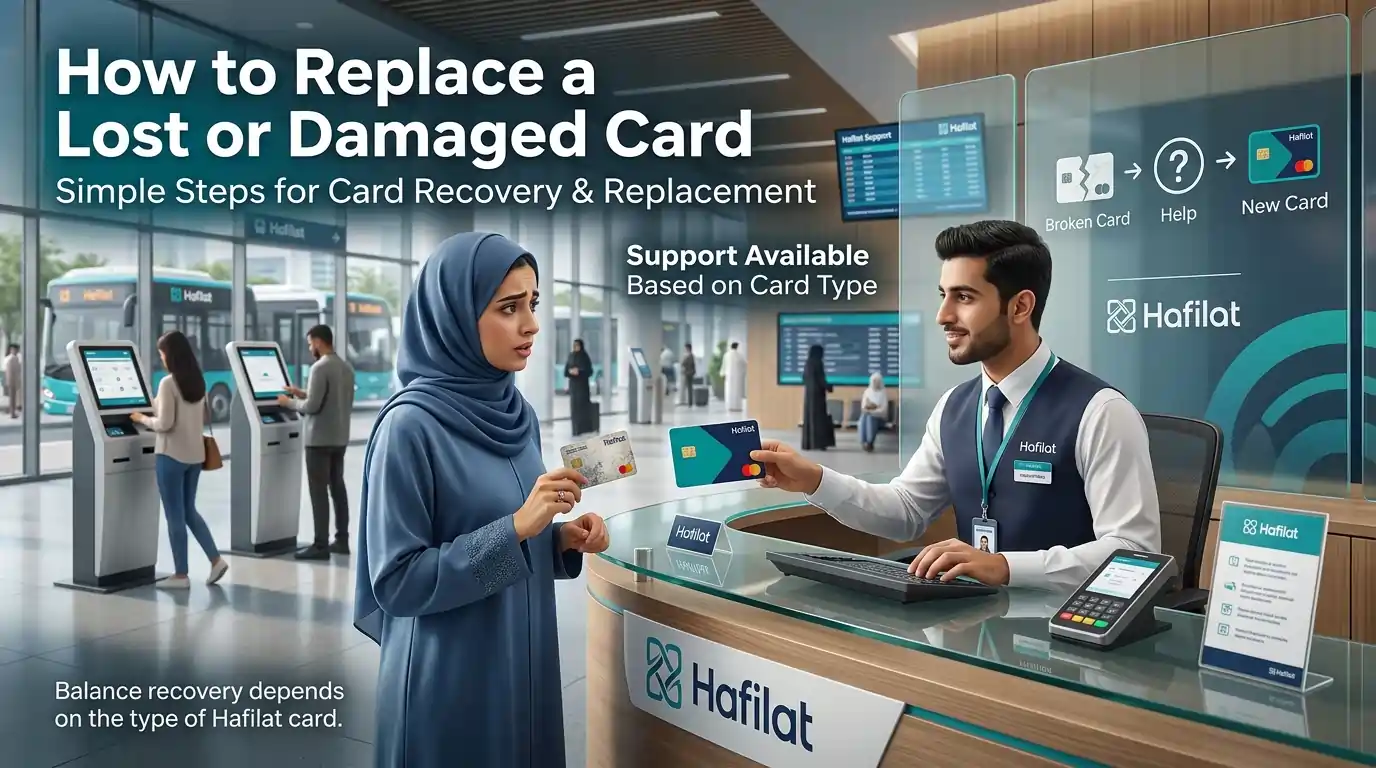
woman-in-abaya-receiving-new-hafilat-card-from-customer-service-agent-at-transport-office-with-how-to-replace-lost-or-damaged-card-instructions-and-bus-station-background
Lost or Damaged

How to Replace a Lost or Damaged Card

Losing your card happens. Here’s what to do depending on which card you have.

πŸͺͺ

No ID linked: Anonymous Card

⚠️ Bad news first

If you lose an anonymous card and haven’t linked it to your Emirates ID, the balance is gone. Can’t get it back.

βœ… What you can do

  • Buy a new anonymous card from any TVM or Lulu store.
  • Add credit again.
  • Next time, link it to your Emirates ID so the balance is protected.

If the card is damaged (but you still have it)

  • Go to any Customer Happiness Center.
  • Bring the damaged card.
  • Pay AED 10 for a replacement.
  • They transfer the balance to the new card.
πŸ”’

ID linked,balance safe | Personalized, Student, Senior, or POD Card

βœ… Good news. Your balance is safe because the card is linked to your Emirates ID.

1

Report it lost

Call 800 850. Or log in to your account at hafilat.darb.ae to report the card as lost.

2

Go to a Customer Happiness Center

Bring your Emirates ID. That’s all you need.

3

Pay for a replacement

Personalized card: AED 5 Β |Β  Student card: AED 5 Β |Β  Senior card: Free Β |Β  POD card: Free

4

Get your new card

Takes about 15 minutes. They move your balance and any active pass to the new card.

πŸ’‘ What if I find my old card after reporting it lost? It won’t work anymore. Once reported lost, the old card is blocked for good. Just use the new one.
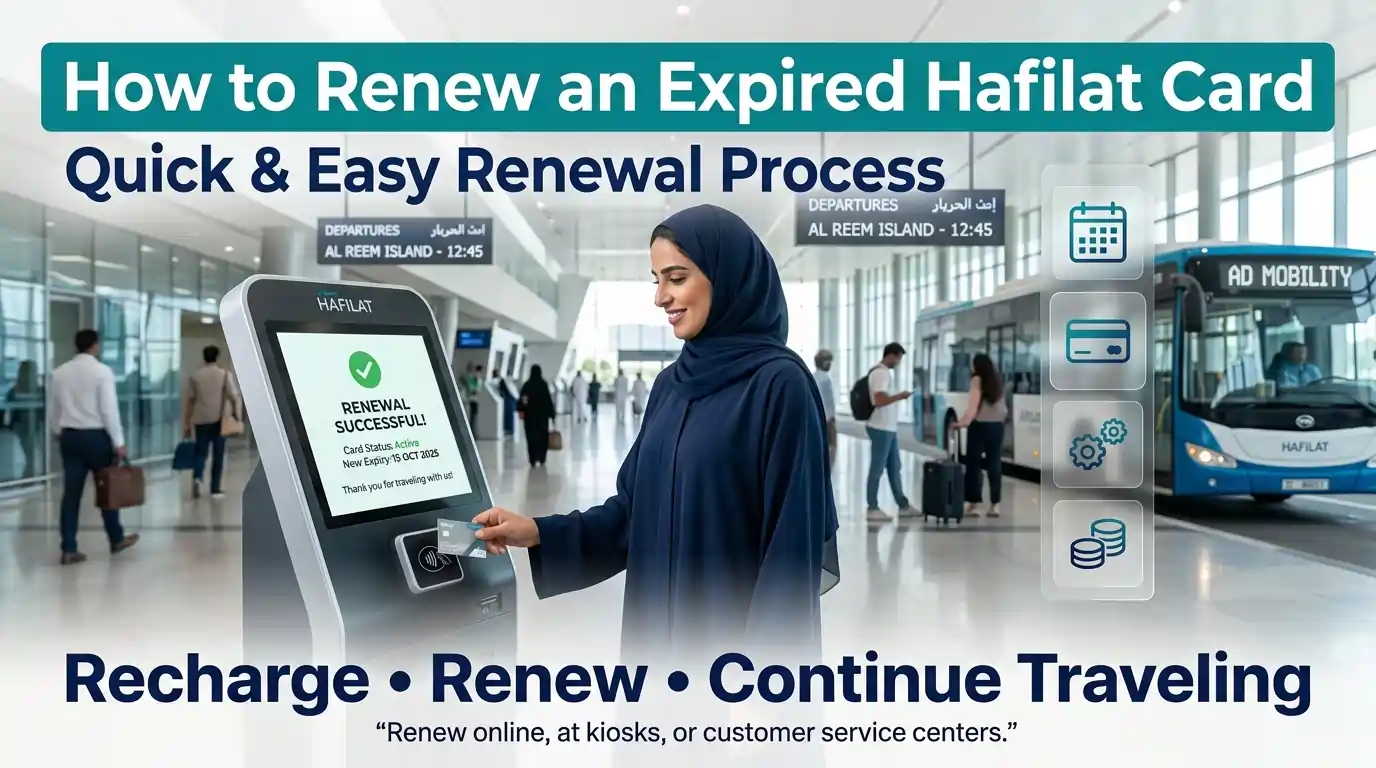
smiling-woman-in-abaya-successfully-renewing-expired-hafilat-card-at-digital-kiosk-in-modern-abu-dhabi-bus-terminal-with-ad-mobility-bus-and-passengers-in-background
Stay Active

How to Renew an Expired Card

Cards don’t last forever. Here’s how to renew each type.

πŸͺͺ Anonymous Card

Lasts 16 years. If it expires, just buy a new one for AED 10. Balance from the old card cannot be transferred.

πŸ‘€ Personalized Card

Valid for 16 years. Before it expires, visit a Customer Happiness Center with your Emirates ID. They’ll issue a new card. Balance and account history transfer automatically. The replacement fee is AED 5 if the card is lost or damaged.

πŸŽ“ Student Card

Lasts 5 years. To renew:

  • Get a new student verification letter from your school.
  • Bring your Emirates ID and old card to the Customer Happiness Center.
  • Pay AED 5 for the new card.
  • The annual pass (if you had one) needs to be bought again separately.

πŸ‘΄ Senior Citizen Card

Lasts 1 year. Needs renewal every year. What to bring:

  • Emirates ID (still showing age 55+)
  • Residence visa copy
  • Lease contract or tenancy agreement

Go to any Customer Happiness Center. Renewal is free. Your free annual pass gets added to the new card.

β™Ώ People of Determination Card

Lasts 1 year. Needs renewal every year. What to bring:

  • Emirates ID
  • Updated medical certificate

Go to any Customer Happiness Center. Renewal is free. Your free annual pass and companion benefit stay on the new card.

πŸ—“οΈ Temporary Card (CST)

Lasts 30 days. Cannot be renewed. Just get a new one if you need more time.

How to renew your card, step by step

🏧
Fastest
Option 1: Ticket Vending Machine
  1. Find a TVM at a bus station.
  2. Tap or insert your expired card.
  3. Select "Renew Card" from the menu.
  4. Pay the renewal fee (AED 10-15 for anonymous cards, free for personalized).
  5. Add new balance if desired.
  6. Take your renewed card.
πŸ’»
From home
Option 2: Online via Website
  1. Go to hafilat.darb.ae.
  2. Click "Recharge Card" or "Card Services."
  3. Enter your 15-digit card serial number.
  4. Select the "Renew" option.
  5. Pay online (credit/debit card).
  6. Balance reflects in 2-48 hours.
πŸ“±
On your phone
Option 3: Darb App
  1. Open the Darb app.
  2. Log in to your account.
  3. Go to "Card Services" β†’ "Renew Card."
  4. Enter your card number.
  5. Complete payment.
  6. Receive confirmation via push notification.
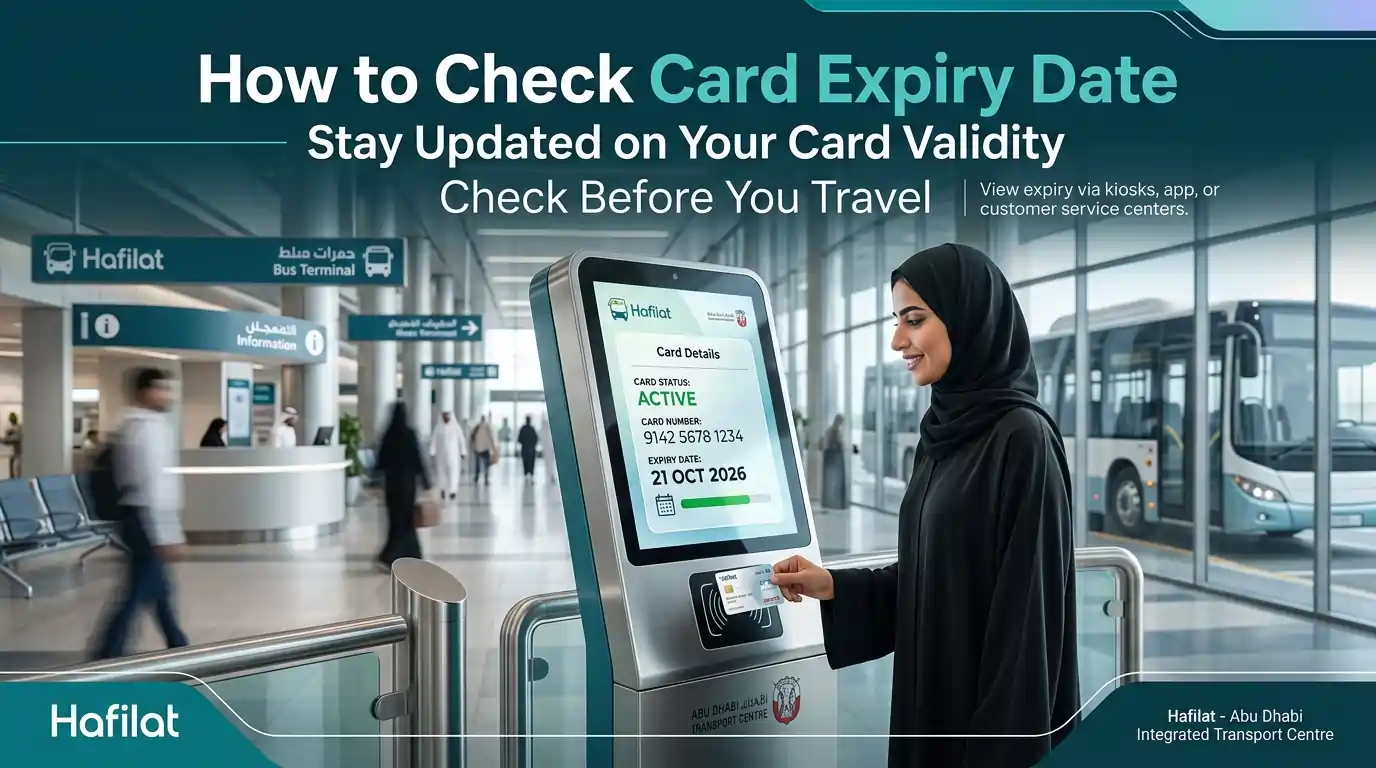
smiling-woman-in-abaya-checking-hafilat-card-expiry-date-at-digital-kiosk-in-abu-dhabi-bus-terminal-showing-card-status-active-and-validity-until-october-2026
Stay Informed

How to Check Card Expiry Date

Need to know when your card stops working? Here’s how to check.

πŸ“²
Easiest way
Using the Darb App
  1. Open the Darb app.
  2. Log in to your account.
  3. Go to “My Cards.”
  4. Select your card.
  5. The expiry date shows right there.
πŸ’‘

Note: The Darb app and online portal only work for personalized cards. Anonymous card holders cannot check the expiry date online. Use a TVM or visit a customer service counter instead.

🏧
At the station
Using a Ticket Vending Machine
  1. Find a TVM at a bus station.
  2. Tap or insert your card.
  3. Select “Balance Inquiry” or “Card Details.”
  4. The screen shows your balance and expiry date.
🏒
In person
At a Customer Happiness Center

Walk up to the counter. Hand over your card. Ask the staff to check the expiry date. They’ll tell you in a few seconds.

πŸ’»
Personalized cards only
Online at hafilat.darb.ae

Log in to hafilat.darb.ae. Go to “My Cards.” The expiry date is listed next to your card number.

⚠️ Why check the expiry date?

If your card expires, you can’t use it. No tapping. No boarding. Check before it expires so you have time to renew or get a new card.
First-Time Buyer Tips

Tips for First-Time Hafilat Card Buyers

πŸ›’

Before buying

  • Decide which card type fits your needs.
  • Check the official website first.
  • Understand the fare structure.
  • Calculate if a pass is worth it for you.
βœ…

After buying

  • Register your personalized card immediately.
  • Save your 16-digit card number somewhere safe.
  • Keep receipts for online transactions.
  • Set a phone reminder to check the balance weekly.
🚌

For daily commuters

  • Buy a monthly pass (AED 95) instead of paying per trip.
  • Save about AED 50-100 every month.
  • Tap only once when boarding (not exiting) for city buses.
  • Check balance weekly using SMS or the app.
🧳

For occasional users

  • Keep at least AED 5-10 on the card.
  • Recharge at machines for instant credit.
  • Don’t buy passes if you travel less than 3 times a week.
  • Use an anonymous card if you travel rarely.
πŸ†•

For first-time users

  • Start with an anonymous card (AED 10).
  • Add AED 30-50 credit to start.
  • Practice tapping at a machine before boarding the bus.
  • Ask the driver if confused.
  • Download the Darb app for help.
On the Bus

How to Use the Hafilat Card on the Bus

Using the card is simple. Just tap and go. But there are a few things to know so you don’t get charged extra.

1

Before you board

Make sure the card has enough balance. At least AED 5 is safe. Also, check that the card isn’t expired. You can also check your card expiry date through the Darb app.

2

When you board

Look for the validator near the bus entrance. It’s a blue or grey box with a screen. Hold the card flat against the area where the Hafilat logo is located. Wait for the beep. That’s how you know it worked.

3

During the ride

Nothing to do. Just ride.

4

When you get off

Tap the same validator again at the exit. Wait for the beep. The system figures out how far you traveled and takes the right fare. The screen shows how much is left on the card.

⚠️ What happens if you forget to tap out?

The system charges the maximum possible fare for that route. So don’t forget. Always tap when getting off.
πŸ’‘

What if the validator doesn’t beep?

Tap again. Sometimes the first tap doesn’t catch. Still no beep? Ask the driver or a station attendant for help.

🚫 Common mistakes to avoid

  • Don’t pull the card away before the beep. The tap won’t register.
  • Don’t tap your phone or wallet by accident. Take the card out.
  • Don’t share your card. Each person needs their own.

πŸ’‘ Tips for new users

  • Check the balance after tapping out. The screen shows it for a few seconds.
  • If the card is low, Recharge before your next trip.
  • Keep the card away from phones or magnets. They can damage the chip.
  • Don’t store your Hafilat card next to your phone or magnets. The chip can get damaged. Furthermore, keep it away from direct heat or bending. A damaged card means paying for a replacement.
Get Help

Hafilat Customer Service & Support

πŸ“ž Phone Numbers (24/7)

  • Main hotline800 88888
  • Alternative800 555555
  • Customer service (multilingual)800 850

πŸ“§ Email Support

General inquiries:

info@hafilat.ae

🌐 Online Support

  • Website: hafilat.darb.ae
  • Mobile app: Darb app
  • Features: Check balance, recharge, track journeys, FAQ section

🏒 In-Person Support

  • Customer Happiness Centers at all major bus stations
  • Zayed International Airport (Abu Dhabi Airport)
  • Al Ain Bus Station
  • Al Dhafra Bus Station

πŸ› οΈ What they can help with

  • New card registration
  • Card recharge
  • Balance inquiries
  • Lost or damaged card replacement
  • Filing complaints
  • General questions
  • Technical issues
Common Questions

Frequently Asked Questions

Q

Can I keep my card next to my phone?

Better not. Phones and magnets can damage the chip. Keep it in a separate pocket or wallet slot away from electronics.

Q

Can I share my card with family?

No. Each person needs their own card.

Q

What if I lose my Hafilat card?

For personalized, student, senior, or POD cards: Go to a Customer Happiness Center with your Emirates ID. Pay for replacement. Balance gets transferred. For anonymous cards: balance is lost unless linked to an Emirates ID.

Q

How do I link my anonymous card to my Emirates ID?

Go to hafilat.darb.ae. Register an account. Log in. Click "Link Card." Enter your 16-digit card number and Emirates ID. Submit. Done.

Q

How do I renew my senior or POD card?

Go to any Customer Happiness Center before the card expires. Bring your Emirates ID and updated documents (medical certificate for POD, visa, and lease for seniors). Renewal is free.

Q

Can I check my card expiry date online?

Only if you have a personalized card. Log in to hafilat.darb.ae or open the Darb app. For anonymous cards, use a ticket vending machine or ask at a customer service counter.

Q

Can I use my Hafilat card in Dubai?

No. Hafilat works only on Abu Dhabi buses. For Dubai, you need a Nol card.

Q

How do I log in to my Hafilat account?

Go to hafilat.darb.ae. Click "Login." Enter your email and password. If you forgot your password, click "Forgot Password" to reset it.

Wrapping Up

Conclusion

Picking the right Hafilat card comes down to who you are and how often you ride.

  • Tourists or short-term visitors? Grab a temporary card (CST) or an anonymous card. No paperwork. Use it right away.
  • Live in Abu Dhabi and ride the bus daily? Get a Personalized Card. It’s free. Your balance stays safe if you lose it. You can also check your balance and recharge online.
  • A student? The Student Card costs just AED 5. Add the AED 500 annual pass and ride all year for about AED 1.37 per day.
  • Age 55 or older? The Senior Citizen Card is free. So is the annual pass. Ride free during off-peak hours.
  • Need extra support? The People of Determination Card is free. Your companion rides free, too.
  • Running a company? Corporate Cards let you manage employee travel from one account.

In Abu Dhabi, Al Ain, and across the UAE, the Hafilat system makes bus travel simple. No cash. No coins. Just tap and go.

🚌Just tap and go.